

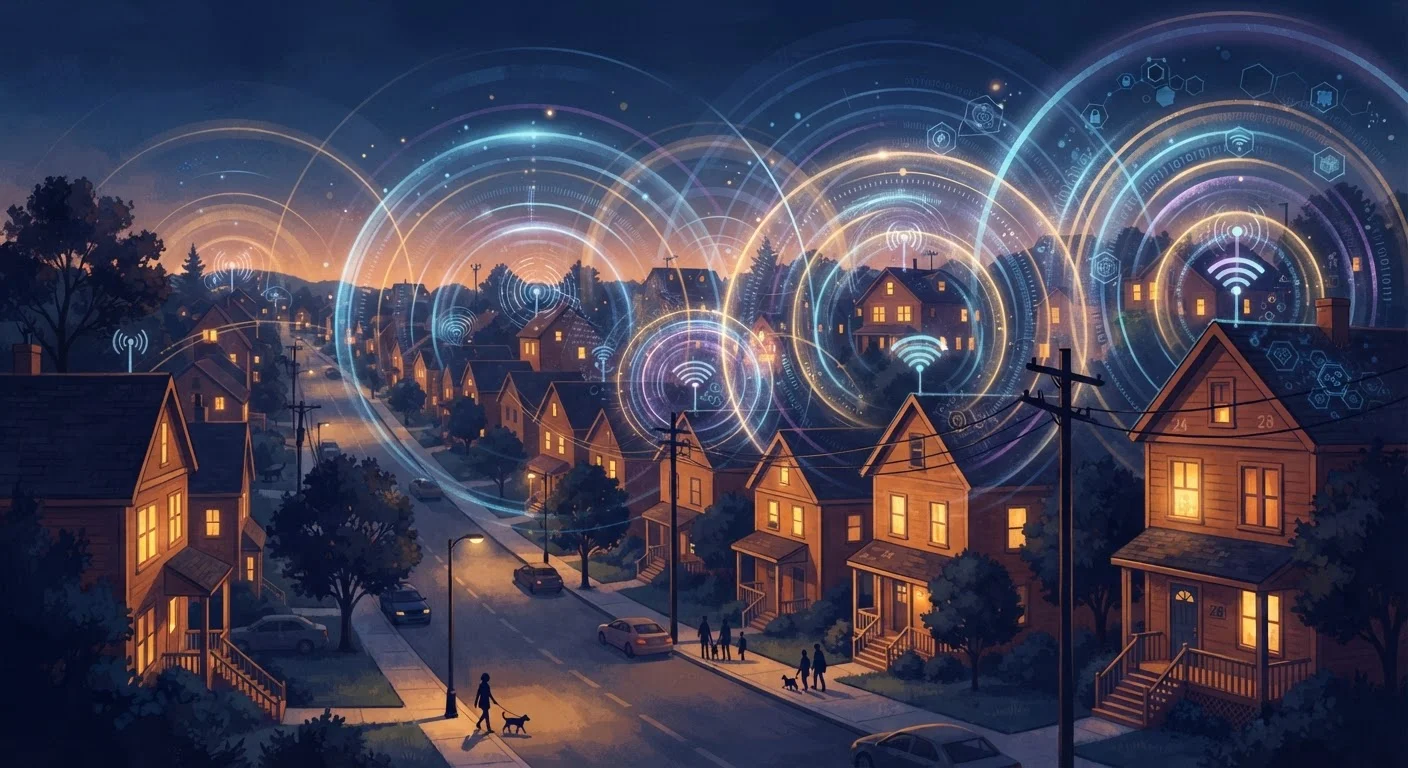
The Two Networks You're Actually Using
When you connect to the internet at home, you're actually passing through two distinct networks. The first is your home network — the router, the Wi-Fi signal, and the devices connected to it. The second is your ISP's broader infrastructure — the cables, nodes, and data centers that carry your traffic to and from the wider internet.
Most troubleshooting advice focuses on the home network because that's what you can physically reach and control. But a large portion of real-world slowdowns originate in that second network, which you have very little direct influence over. Understanding which network is causing your problem is the first step toward diagnosing it honestly.
For a closer look at how your home network's physical layout affects performance, see our article on how Wi-Fi travels through your home.
What Actually Happens During Evening Peak Hours
Most residential internet plans — whether cable, DSL, or even some fiber setups — operate on shared infrastructure. That means dozens or even hundreds of households in your area are all drawing from the same pool of bandwidth routed through the same neighborhood equipment (often called a node or distribution hub).
During the day, that shared capacity handles traffic easily because most people are at work or school. Between roughly 7 PM and 11 PM, the picture changes dramatically. Streaming video, online gaming, video calls, and large downloads all spike at once. The node servicing your block has to divide available capacity across all those simultaneous demands, and the result is that each household gets a smaller slice of bandwidth than their plan nominally promises.
~50%
Average evening speed drop on congested cable networks
Industry analyses and ISP transparency reports have documented speed reductions of roughly 40–60% during peak evening hours on heavily loaded cable network segments.
7–11 PM
Typical residential internet peak hours
Network measurement organizations consistently identify this evening window as the period of highest residential broadband demand across the United States.
300+
Households that can share a single cable node
Cable ISPs may serve several hundred residential customers from a single neighborhood node, meaning all those users compete for the same upstream bandwidth capacity.
This is why your download speed at 2 AM might be twice what it is at 9 PM, even though nothing in your home has changed. The variable isn't your equipment — it's how many of your neighbors are online at the same moment.
What You Can and Can't Control
It helps to draw a clear line between what's inside your control and what isn't.
Within your control
- Router placement and settings: A router tucked in a closet or behind a TV will underperform. Positioning it centrally and at height makes a measurable difference.
- Device load: Background app updates, cloud backups, and streaming on multiple devices compound congestion inside your home. Scheduling heavy downloads for overnight can free up bandwidth during peak hours.
- Wired connections for critical tasks: A direct Ethernet cable to your laptop or gaming console bypasses Wi-Fi entirely. See when a wired connection still makes a real difference for guidance on where this matters most.
Outside your control
- ISP infrastructure capacity: Your ISP determines how much bandwidth is allocated to your neighborhood node. You can report slow speeds, but you can't change the hardware.
- Number of active users on your segment: How many neighbors are streaming simultaneously is not something you can influence.
- Routing decisions: The path your data takes across the internet is managed by ISP and backbone networks, not your router.
If you're regularly seeing speeds far below what your plan advertises — especially at peak hours — running through a structured troubleshooting checklist before calling your ISP can save you time and clarify the actual source of the problem.
How to Confirm Congestion Is the Culprit
The simplest diagnostic is a time-of-day speed test. Using any reputable speed test tool, run tests at three different times: during a mid-morning weekday, in the late afternoon, and between 8 PM and 10 PM. Log the results. If evening speeds consistently drop by 30% or more compared to off-peak readings, ISP-level congestion is very likely involved.
A second check: connect a single device directly to your modem with an Ethernet cable (bypassing your router entirely) and run the test again during peak hours. If speeds remain similarly slow, the problem is upstream of your home network. If speeds jump noticeably, your home Wi-Fi setup or router is contributing to the bottleneck.
Schedule Large Downloads for Off-Peak Hours
Most operating systems and download managers allow you to schedule updates and large file transfers for overnight hours — typically midnight to 6 AM. This reduces congestion on your home network during evening peak hours and often results in faster download completion times, since ISP infrastructure is less strained.
It's also worth reading up on common internet speed myths — many households assume their plan speed is a guarantee rather than an upper limit, which leads to frustration that could be reframed with accurate expectations.


