

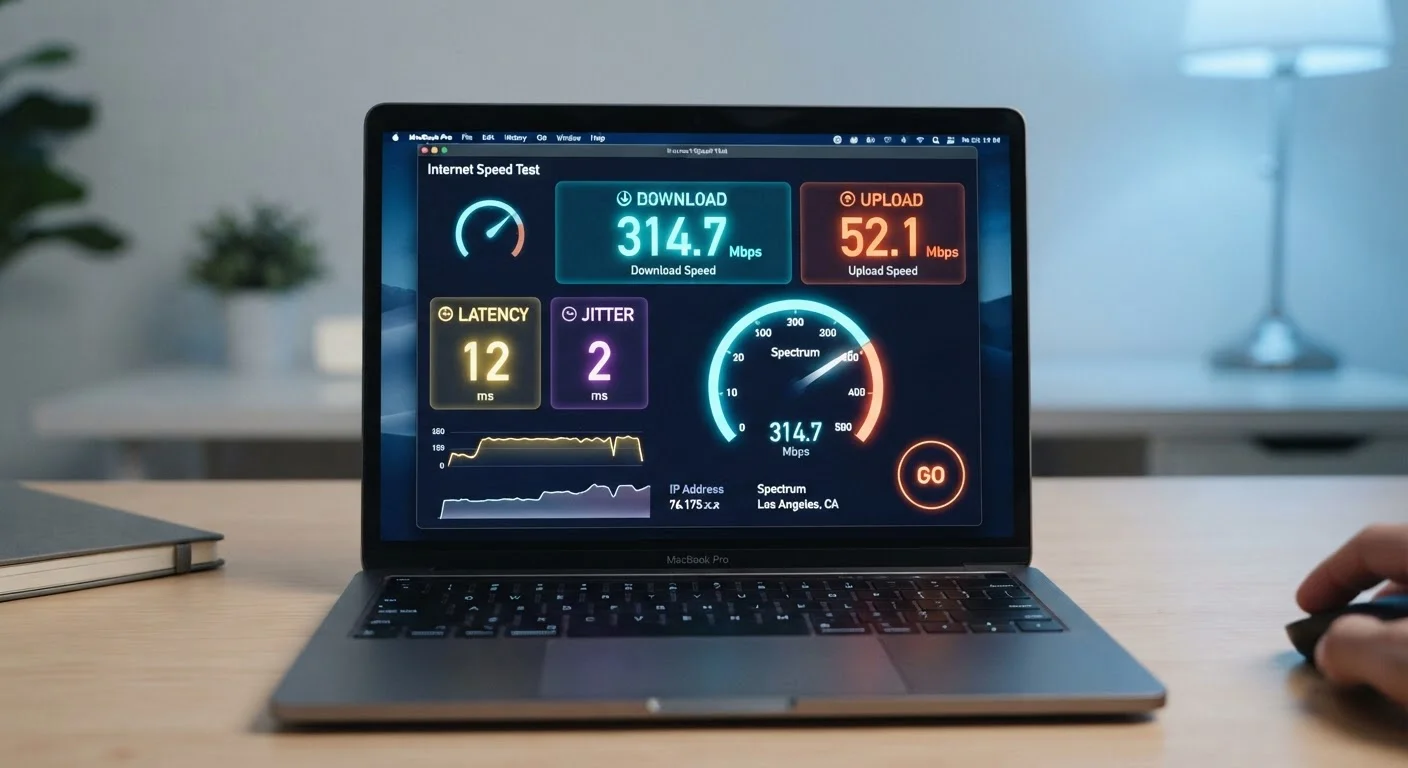
Why Your Internet Plan's Numbers Matter
When you sign up for an internet plan, you're handed a handful of numbers — "up to 300 Mbps," "25ms latency," "1 TB data cap" — with little explanation of what they actually mean for your daily experience. Streaming, video calls, gaming, and remote work each place different demands on a connection, so knowing which number to look at first puts you in control.
This reference breaks down the key metrics in plain English, so you can read a plan description, run a speed test, and understand exactly what you're looking at. For context on the different types of connections those numbers apply to, see Home Internet 101.
Mbps
Megabits per second — the standard unit for measuring internet connection speed. It indicates how much data can move across your connection every second. Higher Mbps generally means faster performance.
Bandwidth
The maximum data capacity of an internet connection, typically expressed in Mbps or Gbps. Bandwidth is shared across all devices on a network simultaneously, so more active devices means less available capacity per device.
Latency
The time in milliseconds it takes for data to make a round trip between your device and a remote server. Lower latency means more responsive connections, which is critical for video calls, gaming, and real-time communication.
Ping
A practical measurement of latency, shown in milliseconds on speed tests. It reflects how quickly your connection responds to a request — lower numbers indicate a faster, more reactive connection.
Jitter
The inconsistency in latency over time. High jitter causes audio and video to stutter even when the average ping seems acceptable, making it a key metric for call quality and streaming stability.
Download Speed
The rate at which data travels from the internet to your device, measured in Mbps. It affects how quickly pages load, videos buffer, and files arrive.
Upload Speed
The rate at which data travels from your device to the internet. It determines the quality of video calls, how fast files upload to cloud storage, and livestream performance.
Mbps, Upload, Download, and Bandwidth Explained
Mbps stands for megabits per second. It measures how much data moves across your connection every second. The higher the number, the more data can flow — meaning faster downloads, smoother video, and less waiting. Note that megabits are different from megabytes: there are 8 megabits in one megabyte, so a 100 Mbps plan downloads roughly 12.5 megabytes of data per second.
Every plan advertises two speeds:
- Download speed — how fast data arrives at your device (streaming, web browsing, receiving email attachments).
- Upload speed — how fast data leaves your device (video calls, cloud backups, sending large files).
Bandwidth is the maximum capacity of your connection — like the width of a highway. A wide highway can handle many cars at once; a narrow one congests quickly. When multiple devices stream simultaneously, they share that bandwidth. A household of four streaming in 4K can consume 100 Mbps or more on its own.
| Bits vs. Bytes | 8 megabits = 1 megabyte |
| 4K streaming (per stream) | ~25 Mbps download (Netflix recommends 25 Mbps per 4K stream) |
| Good latency for gaming | Under 80ms ping |
| Video call minimum upload | ~3–5 Mbps upload per participant (Zoom and similar platforms) |
| Typical real-world speed | 70–90% of advertised plan speed (FCC Measuring Broadband America reports) |
Latency, Ping, and Jitter: The Responsiveness Metrics
Bandwidth tells you how much data can move; latency tells you how quickly it starts moving. Latency is the round-trip time — measured in milliseconds (ms) — for a tiny signal to travel from your device to a server and back. You'll often see it labeled as ping on speed tests.
Latency matters most for anything interactive:
- Video calls feel choppy or delayed above roughly 150ms.
- Online gaming becomes noticeably sluggish above 80–100ms.
- Web browsing feels snappy even at 100ms, since pages load in bursts rather than in real time.
Jitter is the variation in latency over time. A connection that swings between 20ms and 120ms causes voice calls to cut out and video to stutter, even if the average looks acceptable. Consistent latency — low jitter — matters more than a low average alone.
If you're comparing connection types and wondering how mobile hotspots stack up on these metrics, Fixed Home Internet vs. Mobile Hotspot covers those trade-offs directly.
Reading a Speed Test and Knowing What's Normal
Run a speed test at any time of day and you'll see download speed, upload speed, and ping. A few things to keep in mind:
- ISP plans advertise maximum speeds. Real-world speeds are typically 70–90% of the advertised figure during off-peak hours, and can dip lower during evening congestion.
- Test over a wired Ethernet connection when possible. Wi-Fi adds its own variables — walls, interference, and distance from the router all reduce measured speeds.
- Run the test three times and average the results. A single test can be skewed by momentary congestion.
Struggling to reach your plan's advertised speeds? Many causes are fixable without calling your provider. Your Internet Troubleshooting Checklist walks through the most common culprits step by step. And if you want to challenge some widely held assumptions about speed tiers, Internet Speed Myths That Confuse Most Households is a useful next read.


