

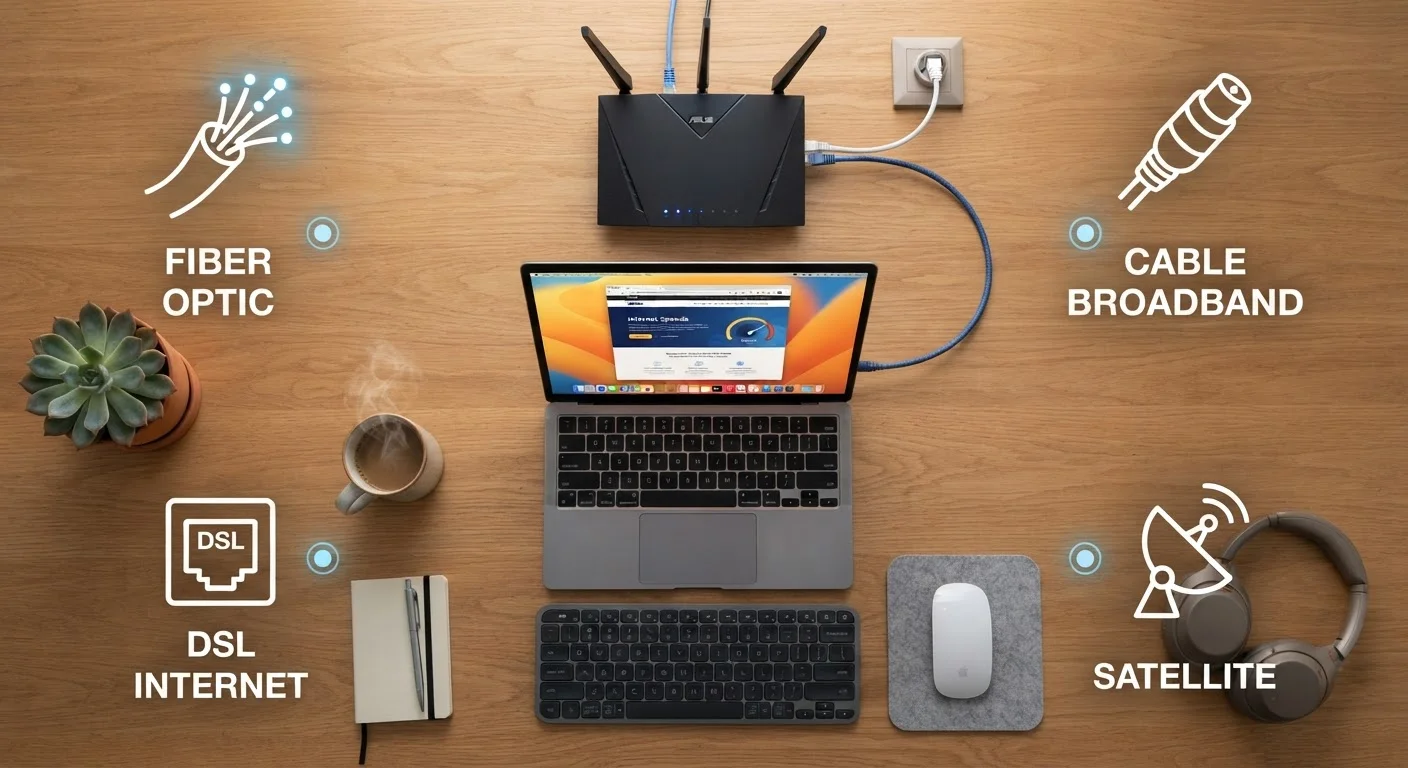
Why Your Connection Type Matters
When your internet feels slow or drops out, it's easy to assume the culprit is your Wi-Fi router or your device. But the type of connection delivering internet into your home sets a hard ceiling on everything else. No router upgrade can make a slow connection fast — it can only distribute whatever speed arrives at your front door.
Connection type also determines how consistent your speeds are, how your service holds up during peak hours, and what activities are realistically supported. Understanding the basics helps you set the right expectations, have informed conversations with providers, and troubleshoot when something isn't working. For a deeper look at the speed numbers on your plan, see our plain-language guide to Mbps, latency, and bandwidth.
The Four Main Types of Home Internet
Most U.S. households get their internet through one of four infrastructure types. Each uses a different physical medium to carry data — and that medium shapes almost everything about how the connection performs.
Bandwidth
The maximum amount of data that can travel through your connection at once, usually measured in Mbps (megabits per second). Think of it as the width of a pipe — wider means more data flows simultaneously.
Latency
The time delay between sending a request and receiving a response, measured in milliseconds. Lower latency makes connections feel more responsive for video calls and gaming.
Symmetrical speeds
When upload and download speeds are equal. Fiber connections are often symmetrical; cable connections typically offer much faster download speeds than upload speeds.
Coaxial cable
A round, thick cable with a single copper wire at its center, originally designed for cable TV signals and now also used to deliver cable internet to homes.
Low-Earth orbit (LEO) satellite
A newer type of satellite network where hundreds of smaller satellites orbit much closer to Earth than traditional satellites, resulting in lower latency for internet connections.
Fixed wireless access
An internet delivery method that uses radio signals from a ground-based tower to a receiver on your home, rather than cables. It works without running physical lines to each address.
Fiber-Optic
Fiber sends data as pulses of light through ultra-thin glass strands. It supports very high speeds in both directions — meaning uploads are as fast as downloads — and is generally the most reliable connection type because light signals don't degrade the way electrical signals do. Coverage is growing but remains concentrated in urban and suburban areas.
Cable
Cable internet travels over the same coaxial lines originally built for cable TV. It's the most widely available high-speed option in the U.S. Speeds are typically fast for downloading, but upload speeds are often significantly lower. Because neighbors share a local section of cable infrastructure, speeds can dip during peak evening hours.
DSL
DSL runs over standard copper telephone lines. It's slower than cable or fiber but covers a broader geographic footprint because telephone infrastructure is widespread. Speed depends heavily on how far your home sits from the provider's central hub — the farther away, the weaker the signal.
Satellite
Satellite internet uses radio signals between your home dish and an orbiting satellite. It can reach virtually any address, including remote rural locations. Traditional geostationary satellites have historically delivered high latency because the signal must travel tens of thousands of miles into space and back. Newer low-Earth orbit satellite networks have reduced latency substantially, though performance can still be affected by weather and obstructions.
Fixed Wireless
Fixed wireless access uses radio towers to deliver internet to a receiver mounted on your home — similar in concept to how a cell tower works. It fills gaps in areas where cable or fiber hasn't been built, and speeds have improved considerably in recent years. A clear line of sight to the tower typically improves performance.
How to Find Out What Type You Have
Many households don't know which connection type their service uses — and that's understandable, since providers don't always advertise it prominently. Here are reliable ways to find out:
- Check your bill or account portal. Service descriptions often include terms like "fiber," "cable," or "DSL." Look in the plan details section.
- Inspect the cable entering your home. A round, thick coaxial cable suggests cable internet. A slender, often yellow or orange cable may indicate fiber reaching your premises. Standard phone-line jacks point to DSL.
- Look at the equipment. The modem or gateway your provider supplied is usually designed for a specific connection type, and the model number can be searched online for confirmation. For a breakdown of what each piece of equipment does, see our guide to modems, routers, and gateways.
- Call or chat with your provider. A quick question — "What technology type is my connection?" — should get you a direct answer.
Use the FCC Broadband Map
The FCC maintains a publicly available Broadband Map at broadbandmap.fcc.gov that shows which internet technologies and providers are reported as available at any U.S. address. It's a useful starting point when comparing your options, though actual availability should always be confirmed directly with providers.
Choosing the Right Connection for Your Household
Availability is usually the first constraint — you can only choose from what's offered at your address. But where multiple options exist, a few factors help narrow the decision:
- Number of users and devices. Larger households streaming video simultaneously, or households with people working from home, benefit from higher-bandwidth connections like cable or fiber.
- Upload needs. Video conferencing, uploading large files, and live streaming all depend on upload speed. Fiber's symmetrical speeds have a clear advantage here.
- Consistency vs. raw speed. Cable speeds fluctuate more during peak hours than fiber. If consistent performance matters more than peak speed, fiber is generally more stable.
- Location constraints. Rural households may have satellite or fixed wireless as their primary realistic options. Understanding those trade-offs — particularly latency — helps set expectations. See our comparison of fixed home internet and mobile hotspots for another angle on this decision.
Once you understand your connection type, the next step is understanding how your home network distributes that signal. Our walkthrough for setting up a home network from scratch covers everything from your first cable plug-in to securing your Wi-Fi password.


