

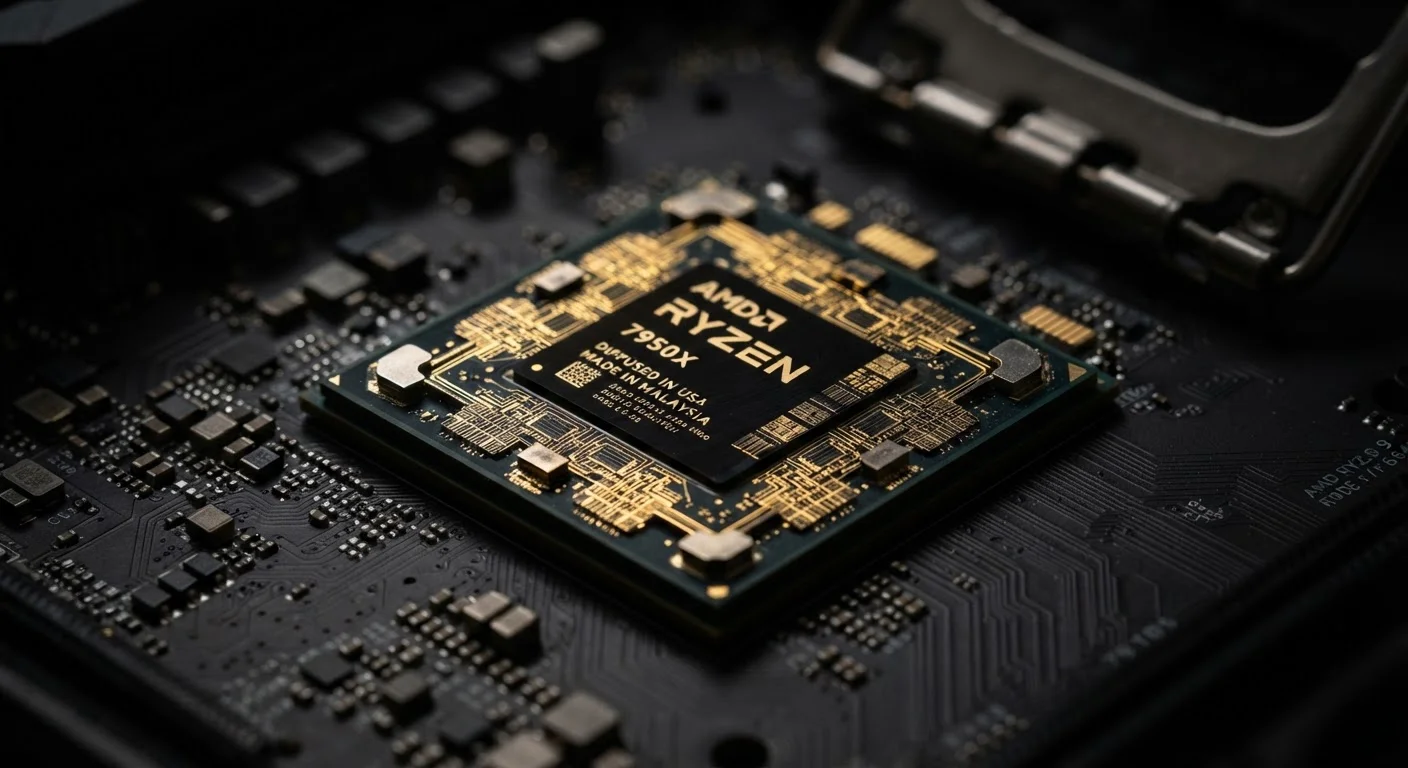
The Processor Is the Brain — Here's What That Actually Means
Every interaction you have with a device — tapping an icon, scrolling through a feed, running a video call — starts with an instruction. That instruction travels to the processor, which decodes it, performs the necessary calculations, and passes the result back so something useful happens on screen. This happens so fast, and so continuously, that it feels instant.
The processor doesn't store your photos or hold your apps in memory — that's the job of storage and RAM respectively (see our RAM vs. storage explainer). What the processor does is act on data. It's the difference between having a recipe (storage) and actually cooking the meal (the processor).
The operating system running on your device also shapes how effectively the processor's power is used — for more on that, see how mobile operating systems differ.
Cores and Clock Speed: What the Specs Actually Tell You
When you see processor specs, two numbers come up constantly: the number of cores and the clock speed measured in gigahertz (GHz).
Cores are independent processing units inside a single chip. A processor with four cores can genuinely work on four separate tasks at the same time. More cores are especially helpful for multitasking — running a navigation app while music plays and notifications come in, for example.
Clock speed describes how many instruction cycles a core completes per second. A 3.0 GHz core cycles three billion times per second. Higher clock speeds generally mean faster single-task performance, like loading a complex webpage or launching a large application.
Neither number tells the whole story alone. A processor with fewer but faster cores might outperform one with many slower cores in everyday single-task use. Chip design, manufacturing efficiency, and software optimization all influence real-world results.
3 GHz+
Typical peak clock speed in modern phone processors
Most flagship mobile processors cycle at speeds above 3 GHz on their performance cores, enabling fast app launches and smooth graphics.
8–12
Core count in many current mid-to-high-end processors
Contemporary phone and laptop processors commonly include between 8 and 12 cores, often mixing performance and efficiency core types.
Billions
Instructions executed per second by a modern CPU
A modern processor can execute several billion individual instructions per second, enabling the seamless multitasking users experience daily.
Why Processor Efficiency Matters as Much as Raw Speed
A chip that runs hot and drains battery quickly is a real-world problem, even if it scores well on speed benchmarks. This is why processor manufacturers increasingly design chips with a mix of high-performance cores for demanding tasks and efficiency cores for lighter background work. Your device can shift automatically between them depending on what you're doing.
When you're just reading an article, efficiency cores handle the load and conserve battery. When you launch a complex game or export a video, the high-performance cores take over. This architecture is a big reason why modern phones can last a full day on a charge despite running sophisticated software continuously.
Settings that control performance behavior — like battery saver modes — actually influence which cores your processor prioritizes. Our guide to overlooked device settings covers how adjusting these can noticeably change your experience.
What This Means for Everyday Device Decisions
You don't need to memorize chip model numbers or benchmark scores to make sense of processor performance. A few practical principles go a long way:
- Multitaskers benefit from more cores. If you regularly switch between many apps, more cores keep things running smoothly.
- Single-task speed matters for content creators. Editing photos, video, or audio stresses individual core performance more than core count.
- Efficiency determines battery life. A processor that does more with less power extends your time between charges in real, measurable ways.
Understanding what the processor does helps you read device descriptions more critically and focus on specs that actually match how you use your device — rather than chasing the biggest number. For more on the hidden controls that shape device behavior, explore the smartphone settings most people never touch.


