

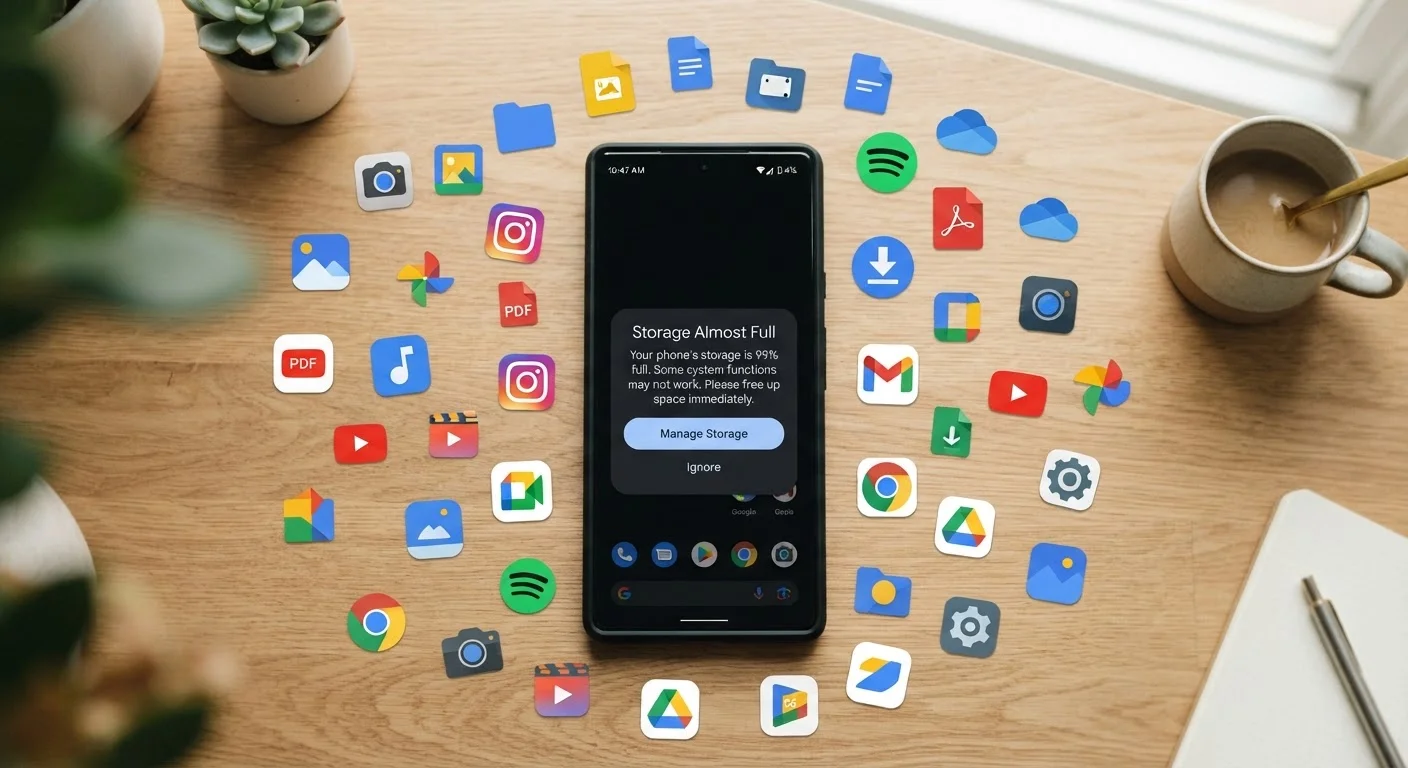
Why Your Storage Disappears Without Warning
Your phone didn't fill up because you downloaded too much music last week. Storage tends to vanish gradually, claimed by invisible processes running in the background — app caches fattening up, messaging threads accumulating video files, and streaming downloads sitting forgotten in folders you never open. The result is a creeping shortage that suddenly triggers a warning at the worst possible moment.
Understanding what is consuming your space — before reaching for the delete button — is the key difference between actually solving the problem and just delaying it. The good news: your phone already has a built-in tool that does most of the diagnostic work for you. It's just rarely the first place people look.
For broader context on how apps behave over time, see why apps slow down over time — storage pressure is one of several factors affecting performance.
Don't Delete First, Diagnose First
Randomly deleting apps or photos rarely solves the root problem and can erase things you actually need. Always open your phone's built-in storage settings — found under Settings > Storage on Android or Settings > General > iPhone Storage on iOS — before removing anything. That screen ranks your storage consumers from largest to smallest, giving you a clear, prioritized starting point.
The Most Common Storage Mistakes — and How to Fix Them
The following mistakes account for the majority of surprise storage shortfalls. Each one is fixable without technical knowledge and without paying for anything new.
Ignoring app cache buildup over time.
Why it happens: Most people don't realize apps automatically store temporary data — called a cache — to load faster. This cache is never automatically cleaned on many Android devices and quietly grows for months or years.
Keeping offline downloads from streaming and podcast apps.
Why it happens: Downloading a playlist, podcast series, or map for offline use feels useful in the moment — and then it's completely forgotten. These files are large and often stack up across multiple apps.
Storing duplicate photos without realizing it.
Why it happens: Editing a photo in most apps saves a new copy rather than overwriting the original. Burst mode shooting, screenshot habits, and messaging apps that auto-save received images compound the problem quickly.
Assuming WhatsApp, iMessage, and similar apps store almost nothing.
Why it happens: Messaging apps feel lightweight, but they auto-save every photo, video, voice note, and GIF that passes through them. Years of group chats can accumulate gigabytes unnoticed.
Never reviewing which apps are still installed.
Why it happens: Apps downloaded for a single trip, event, or experiment rarely get uninstalled. Over time, a phone can accumulate dozens of apps that consume storage even when never opened.
Once you've cleared the obvious waste, it's worth thinking longer-term about where your files should actually live. Our guide on cloud storage vs. local storage walks through the trade-offs between keeping files on your device versus a cloud service — a decision that directly affects how often you'll hit storage limits in the future.
Building a Habit That Prevents the Problem
One-time cleanups are satisfying but temporary. Storage fills back up within a few months if the underlying habits don't change. A simple monthly check — five minutes in your storage settings — is enough to catch accumulation before it becomes a crisis.
~4 GB
Typical cache size on a heavily used Android phone
Device manufacturers and storage researchers commonly observe that social, navigation, and media apps each contribute hundreds of megabytes of cache data over months of use.
60%+
Of phone photos that may be duplicates or screenshots
Photo management studies consistently find that a large share of camera rolls consists of burst shots, edited copies, and screenshots that users never consciously saved.
Set a recurring reminder for the first of each month. Open Settings > Storage (Android) or Settings > General > iPhone Storage (iOS) and scan for anything that's grown unexpectedly. Pay particular attention to apps you use daily, since those generate cache the fastest. If you want to go further with managing what your apps are allowed to do in the background, understanding app permissions is a useful next step — some permissions directly affect how much data an app saves locally.
Keeping storage clear isn't just about having room for new photos. A phone with adequate free storage runs background tasks more smoothly, backs up to the cloud more reliably, and generally behaves more like it did when it was new. It's one of the simplest and most impactful forms of phone maintenance available to anyone, at no cost.


