

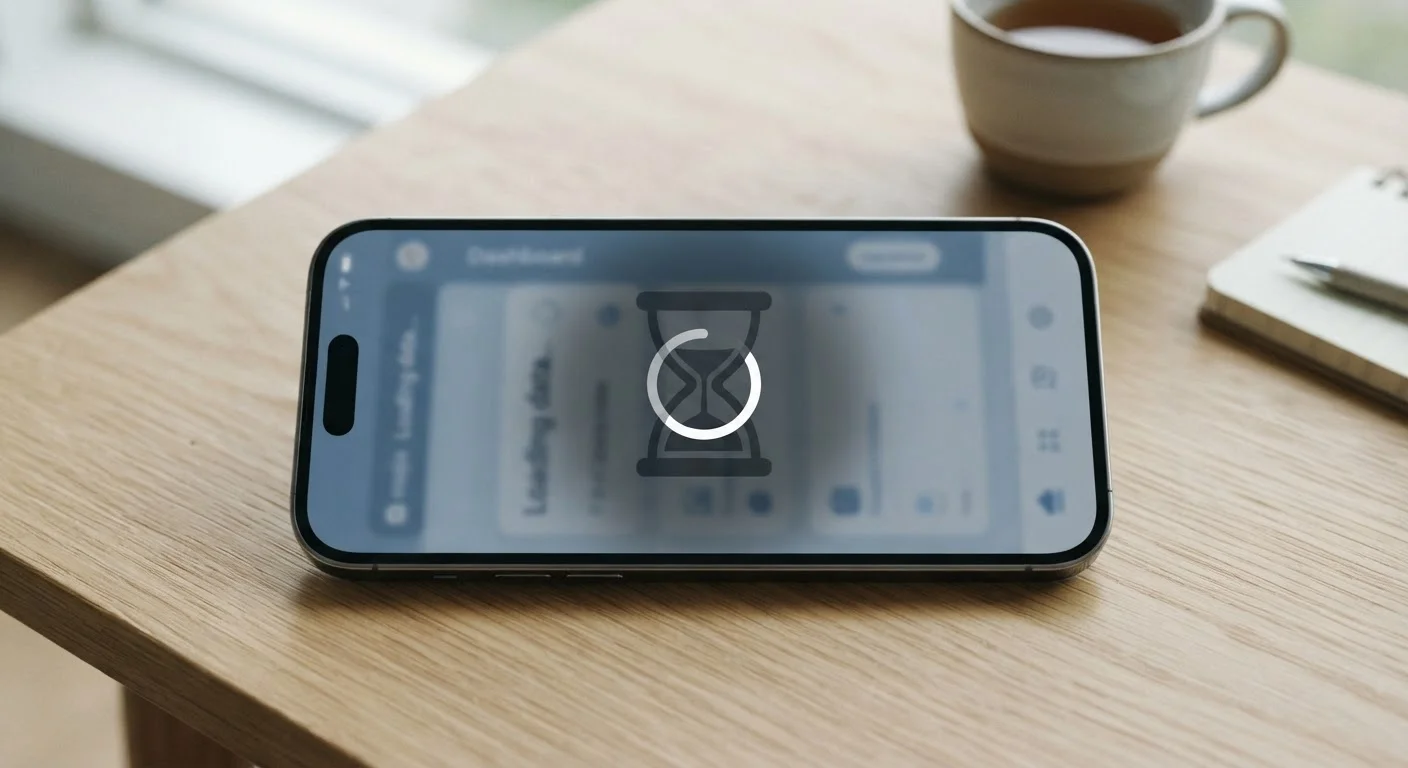
The Real Reasons Apps Slow Down
When an app that once launched instantly starts grinding to a halt, most people blame the device. But the hardware often isn't the culprit. App slowdowns are usually the result of several predictable, software-side processes that accumulate quietly in the background.
Cache bloat is the most common offender. Every time you use an app, it stores temporary files — images, search results, session data — designed to make future loads faster. Over months of use, that cache can swell from a few megabytes to several gigabytes, paradoxically turning a speed optimization into a performance drag.
Update weight is another major factor. Apps grow with each update as developers add features, expand libraries, and support more device types. An app that installed at 80MB two years ago might now occupy 400MB, and the code running underneath it demands correspondingly more from your processor and RAM.
Data accumulation compounds this further. Chat histories, downloaded media, activity logs, and sync records build up inside the app's storage. The more data an app has to sort through to do anything, the longer each action takes.
Start With Cache, Not a Factory Reset
Many people jump straight to drastic fixes like factory resets when an app slows down. In most cases, simply clearing the app's cache resolves the issue in under a minute with no data loss. Always start with the least disruptive fix and work your way up only if needed.
How Your Device's Environment Makes Things Worse
An app doesn't run in isolation — it competes for resources with everything else on your device. As you install more apps, enable more background processes, and fill up your storage, each individual app gets a smaller share of available memory and processing capacity.
Low storage is one of the most underestimated causes of broad slowdowns. Mobile operating systems rely on free space to write temporary data while apps are running. When your storage dips below roughly 10–15% free capacity, the entire system — not just one app — tends to slow down noticeably. See our guide to reclaiming storage space if you're not sure what's eating your gigabytes.
OS updates can also shift the performance landscape. When your phone's operating system updates, it may introduce new background services or change how resources are allocated. Apps that haven't been updated to match can suddenly feel out of sync — slower to respond or quicker to drain the battery. This is related to why skipping software updates carries real costs.
Fixes That Actually Work
The good news: most app slowdowns are reversible without buying a new device. Here are the steps worth trying, roughly in order of effort.
- Clear the app's cache. On Android, go to Settings > Apps > > Storage > Clear Cache. On iPhone, many apps offer a cache-clearing option in their own settings. This removes temporary data without touching your account or saved content.
- Free up device storage. Aim to keep at least 15% of your total storage free. Delete unused apps, offload old photos to cloud storage, and review which apps are storing large offline files. Adjusting a few overlooked device settings can also recover headroom without deleting anything.
- Update the app. Developers regularly patch performance issues in updates. Running an outdated version often means running slower, buggier code.
- Reinstall the app. If clearing the cache doesn't help, a full reinstall wipes all accumulated data and gives the app a clean start. Before doing this, check our pre-deletion checklist to avoid losing saved data or active subscriptions.
- Restart your device regularly. A fresh reboot clears system-level memory caches and stops background processes that accumulate over days of continuous use.
For longer-term device health, building good habits around storage and updates makes a measurable difference over time. These practical longevity habits apply directly to keeping apps performing well alongside the hardware.
~400%
Average app size growth over five years
Research tracking popular mobile apps has found that many grow several times their original install size within a few years as features accumulate.
10–15%
Minimum free storage to maintain system performance
Mobile OS engineers broadly recommend keeping at least this share of total storage free to allow normal read/write operations during active app use.
72%
Users who blame hardware when apps slow down
Industry surveys on mobile user behavior consistently find that most people assume device age is the primary cause of app slowdowns, rather than software-side factors.
When the Problem Isn't the App at All
Occasionally, what feels like a slow app is actually a slow network connection. Streaming, syncing, and cloud-dependent features can feel sluggish even on a perfectly healthy device if your internet connection is under strain. Peak-hour Wi-Fi congestion is a common and underappreciated factor, especially in the evening.
It's also worth knowing that some free apps carry hidden background activity — analytics, ad loading, and data syncing — that quietly consumes resources while you're trying to use the app for its core purpose. Understanding how free apps fund themselves explains why this happens and what you can reasonably do about it.
If multiple apps are slow simultaneously and maintenance steps haven't helped, the device itself may be reaching the end of its useful life. Hardware that can no longer meet the minimum requirements of modern software updates will continue to struggle regardless of how many caches you clear. At that point, the conversation shifts from maintenance to replacement — but that's a decision worth reaching only after the software-side options are genuinely exhausted.


