

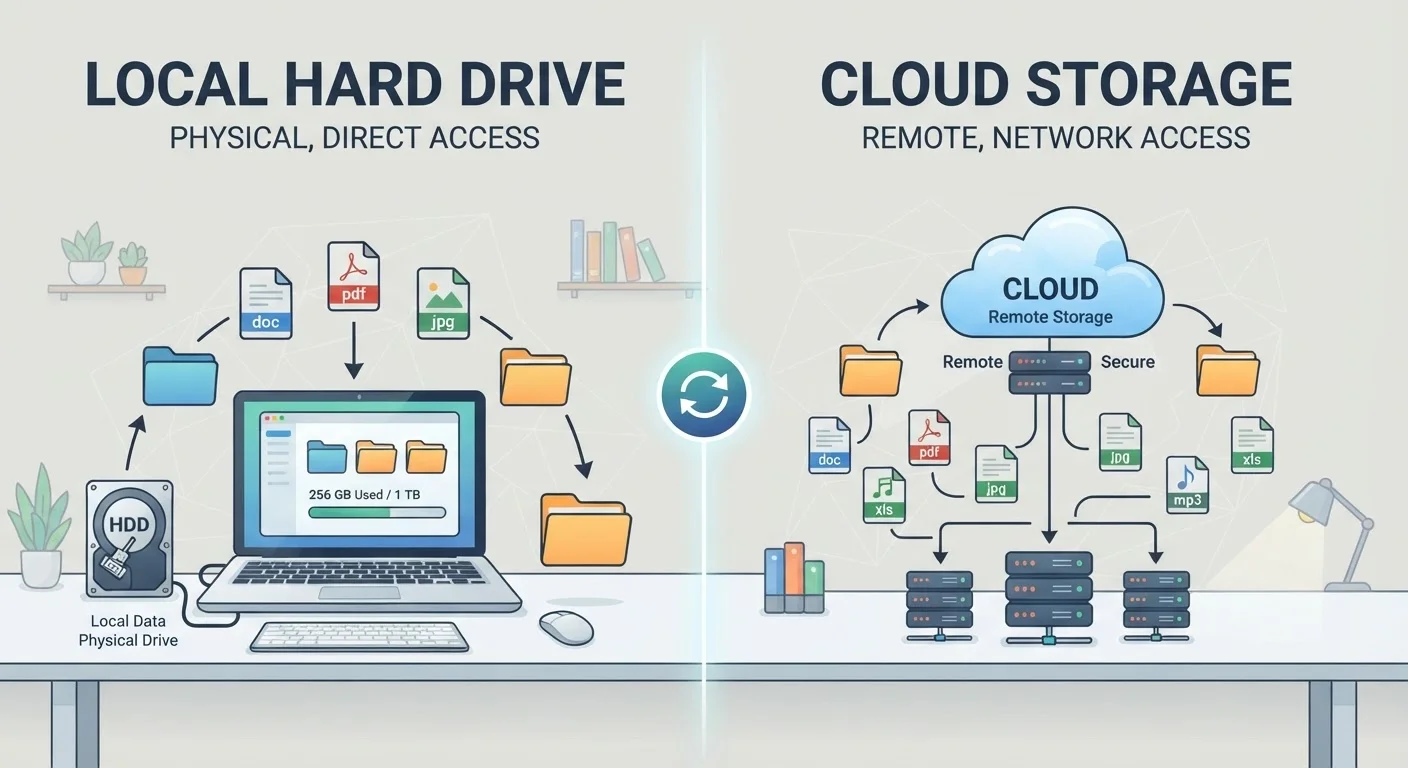
What Each Option Actually Means
Cloud storage means your files are saved on remote servers maintained by a service provider — think Google Drive, iCloud, or OneDrive — and accessed over the internet. When you save a document to one of these services, it travels from your device to a data center somewhere else. You can then open it on any device logged into the same account.
Local storage means files live physically on hardware you possess: the internal drive inside your laptop or phone, an external hard drive plugged into your desk, or a USB flash drive in your bag. No internet connection is needed to open those files because the data doesn't leave your building.
It's also worth clarifying a common misconception: saving a file to cloud storage is not the same as backing it up. Our guide on syncing versus backing up explains why that distinction matters — deleting a synced file often removes it from every connected device automatically.
Head-to-Head: How the Two Approaches Compare
The table below summarizes the key differences across the criteria that matter most to everyday users. Neither column wins across the board — each has genuine strengths.
| Criterion | Cloud Storage | Local Storage |
|---|---|---|
| Internet required | Yes, to access files | No |
| Access from multiple devices | Yes, seamlessly | Only if drive is physically present |
| Upfront cost | Low or free tier | Hardware purchase required |
| Ongoing cost | Monthly or annual subscription | None after purchase |
| Privacy / data control | Third-party holds data | Fully under your control |
| Survives physical device loss | Yes | Only if drive is separate |
| File size / capacity limits | Tiered by subscription | Limited by hardware size |
| Version history / file recovery | Often included | Requires manual backup setup |
One factor the table can't fully capture is reliability. Local storage doesn't need Wi-Fi, but a dropped hard drive can destroy years of files instantly. Cloud storage survives physical disasters but becomes inaccessible the moment your internet goes down — a real issue explored in our piece on internet connectivity trade-offs.
Privacy, Cost, and the Subscription Question
Privacy is where opinions diverge most sharply. With local storage, your files stay under your physical control. With cloud storage, you're trusting a company's security practices and agreeing to their terms of service — which can include scanning files for policy violations or using aggregated data to improve their services. Most major providers encrypt files in transit and at rest, but the provider still holds the encryption keys in the majority of consumer plans.
Cost is the other flashpoint. A 1 TB external hard drive is a one-time purchase typically under $60. A 1 TB cloud storage plan, depending on the service, often runs $10–$12 per month — meaning it can exceed that hardware cost within less than a year. However, cloud plans often bundle additional features like automatic device backup, collaboration tools, and version history (the ability to recover a file you accidentally edited or deleted days ago).
If your device is running low on space, it's also worth understanding the difference between storage and memory. Our explainer on RAM vs. storage clears up a confusion that trips up many people when they start managing files more actively.
The Practical Answer: Use Both, Intentionally
For most people, the strongest approach isn't choosing one — it's combining them deliberately. A common and reliable setup: keep working files in cloud storage for easy access across devices, while keeping a local backup of important data on an external drive that isn't constantly connected to the internet. This protects against two of the most common failure modes: physical device damage and accidental cloud deletion.
Think of it in terms of file categories. Everyday documents, shared project files, and photos you want on your phone and laptop are natural candidates for the cloud. Large video archives, sensitive financial records, and anything you'd need without internet access belong on local storage.
Whatever combination you choose, treat it as a conscious decision rather than a default. Most devices will push you toward their own cloud ecosystem — your iPhone toward iCloud, your Windows PC toward OneDrive — but defaulting into a system without understanding its limits is how people lose files they assumed were safe.


