

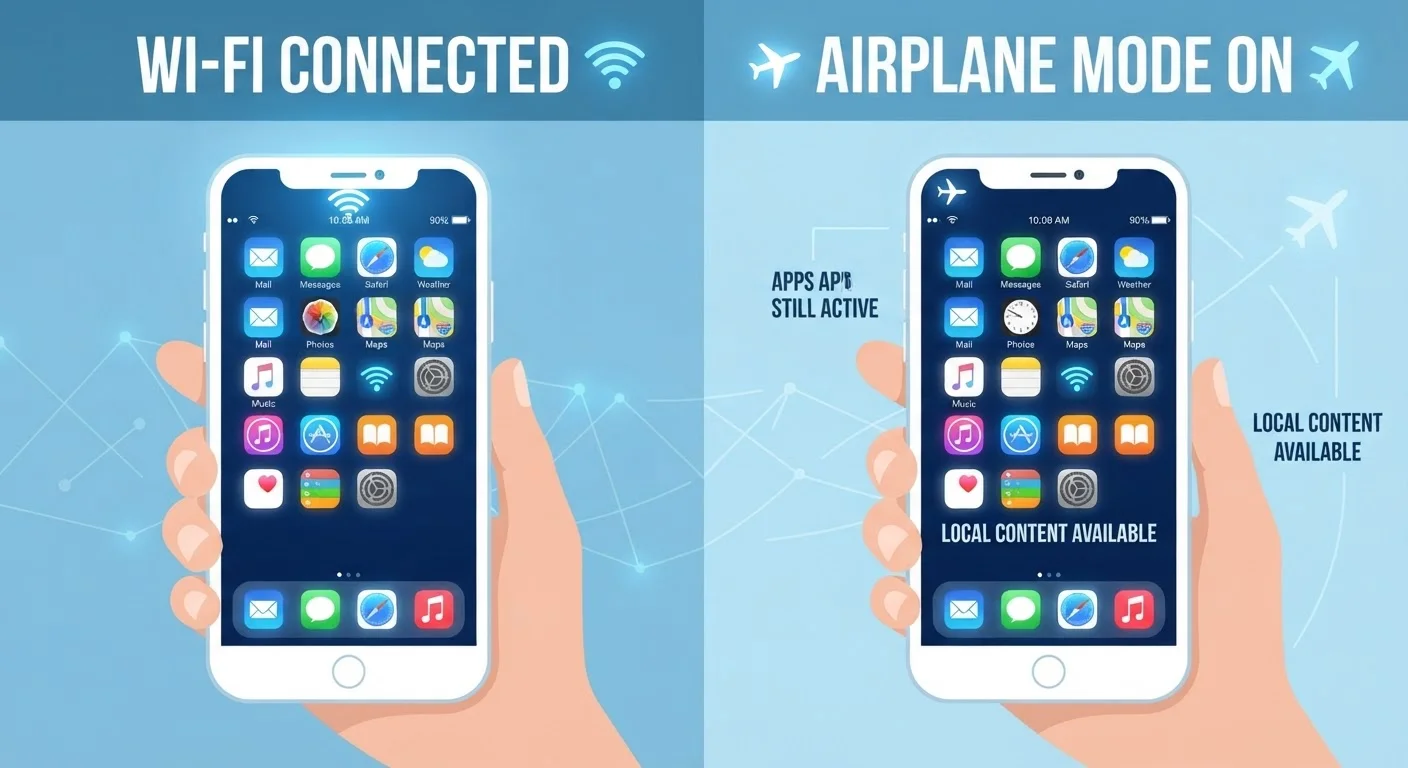
What Makes an App "Offline" or "Online"?
The difference comes down to where the app stores its data and where its core processing happens. An offline app keeps everything it needs — its code, content, and saved data — directly on your device. You can use it with no connection whatsoever. A calculator, a downloaded podcast episode, or a locally installed word processor all work this way.
An online app (sometimes called a cloud-based or web-dependent app) relies on remote servers to function. It might load content from the internet, save your files to cloud storage, or require a login that must be verified remotely. When the connection drops, these apps either slow to a crawl or stop working entirely.
The tricky middle ground is hybrid apps — tools that work offline for basic tasks but need a connection for their full feature set. Google Docs, for example, lets you read and edit documents offline if you've enabled that setting in advance. The same goes for Google Maps, which lets you download specific regions for offline navigation. Understanding this spectrum helps you make smarter decisions before you're stuck without a signal. For a broader look at how connection types affect everyday apps, see our Home Internet 101 guide.
| Criterion | Offline Apps | Online Apps |
|---|---|---|
| Connection required | None | Constant or frequent |
| Data storage location | On your device | Remote servers (cloud) |
| Real-time updates | Not available | Yes — live data |
| Collaboration features | Limited or none | Full multi-user sync |
| Reliability during outages | Fully usable | Partially or fully unusable |
| Setup required in advance | Usually no | N/A (always connected) |
| Storage impact on device | Higher (data stored locally) | Lower (data lives in cloud) |
How to Tell What an App Needs — Before You're Offline
Most people discover an app doesn't work offline at the worst possible moment — on a plane, in a dead zone, or during an outage. A few simple checks can prevent that.
Check the app store description
Both the Apple App Store and Google Play list whether an app requires an internet connection. Look for language like "requires Wi-Fi," "cloud-based," or "offline access available."
Look inside the app's settings
Many apps that support offline use bury the option in their settings menu. In Spotify, for instance, you can toggle "Download" on playlists. In Google Maps, you can tap your profile icon and find "Offline maps." These features must be activated before you lose connection — they don't work retroactively.
Test it in airplane mode
The most reliable method: enable airplane mode on your device and open the app. If it functions normally, it has meaningful offline capability. If it shows an error or a blank screen, it's fundamentally online-dependent.
This matters especially for apps you'd rely on during travel. If you're planning a road trip and wondering whether your connection will hold up, our comparison of fixed home internet vs. mobile hotspot explains what to expect from each option on the road.
Real-World Examples: Common Apps and Their Offline Reality
Knowing the theory is useful — knowing how your specific apps behave is what actually helps day-to-day.
- Google Maps / Apple Maps: Online by default. Google Maps supports downloadable offline regions; Apple Maps has limited offline capability. Download a region on Google Maps before your trip using the "Download offline map" option.
- Spotify / Apple Music: Streaming requires a connection. Downloaded playlists or albums work fully offline, but this requires a paid subscription on most services.
- Microsoft Word / Google Docs: Installed Microsoft Word works offline natively. Google Docs requires offline mode to be enabled manually via browser settings or the mobile app.
- Banking apps: Almost entirely online. Balance lookups and transfers require a live connection and active authentication — these are not apps to rely on without signal.
- Camera and photo editors: Typically work offline. The camera itself never needs internet; most basic photo-editing apps store work locally.
If you notice apps performing sluggishly even when connected, that's a separate issue worth investigating. Our guide on why apps slow down over time walks through the real causes and practical fixes.


