

Resolution: How Many Pixels Make the Picture
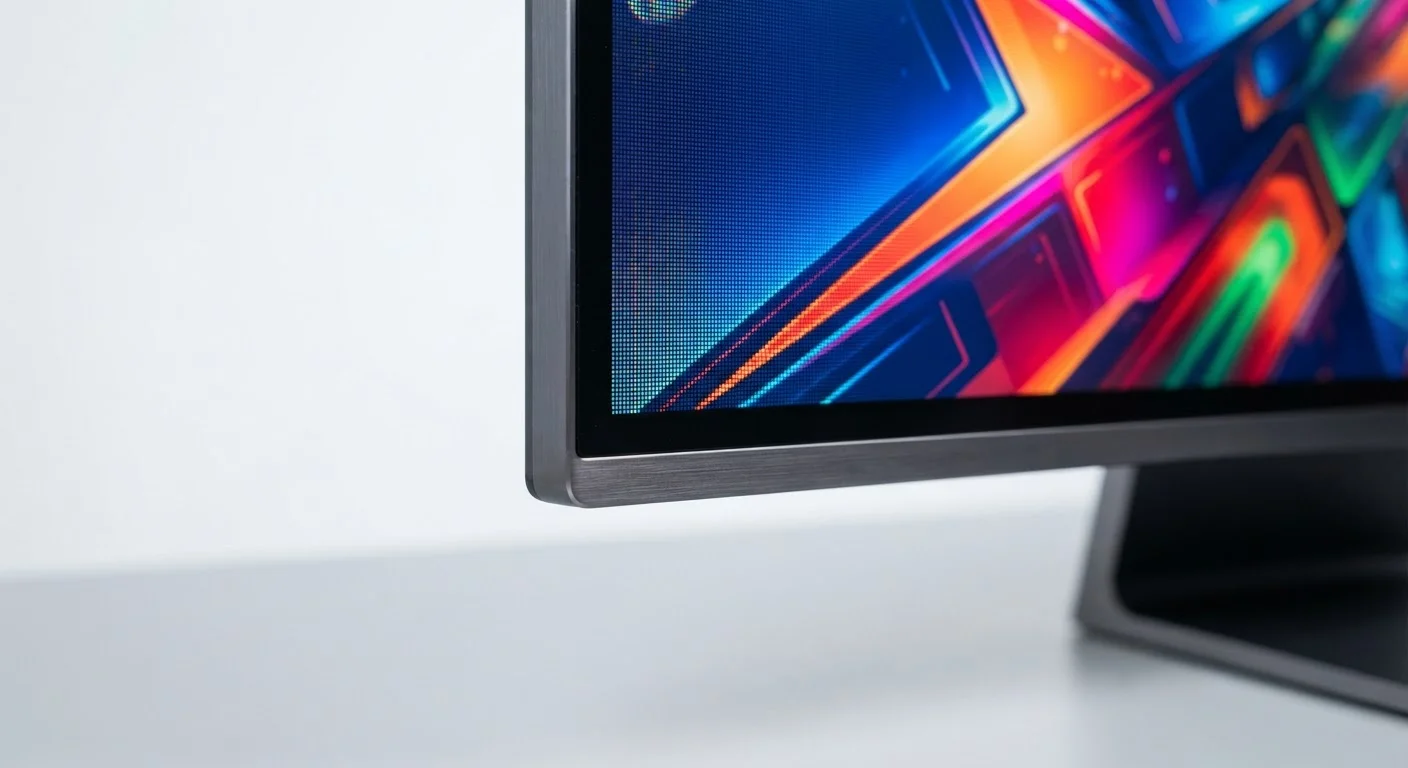
Resolution describes the total number of pixels packed onto a screen, expressed as width × height. A 1080p display (Full HD) contains 1,920 × 1,080 pixels — roughly 2 million in total. A 4K screen (Ultra HD) runs at 3,840 × 2,160, which is about 8 million pixels — four times as many.
More pixels means finer detail, but the benefit depends heavily on screen size and viewing distance. A 4K phone screen and a 4K 65-inch TV both carry the label, yet you'll notice the difference far more on the TV where you're sitting several feet away. On a small phone held at arm's length, pixel density (measured in PPI) matters more than raw pixel count.
| HD (720p) pixel count | ~921,000 pixels |
| Full HD (1080p) pixel count | ~2.1 million pixels |
| 4K (UHD) pixel count | ~8.3 million pixels |
| Standard TV refresh rate | 60Hz |
| Common gaming monitor refresh rate | 144Hz |
| Minimum recommended nits for HDR | 400–600 nits (Consumer display industry general guideline) |
| Most widely supported HDR format | HDR10 |
Common resolution tiers you'll encounter:
- 720p (HD): 1,280 × 720 — streaming fallback, older devices
- 1080p (Full HD): 1,920 × 1,080 — standard for most monitors and TVs
- 1440p (QHD/2K): 2,560 × 1,440 — mid-range monitors and flagship phones
- 4K (UHD): 3,840 × 2,160 — premium TVs, high-end monitors
- 8K: 7,680 × 4,320 — exists but native 8K content is extremely limited
Refresh Rate: Why Smoothness Is Its Own Spec
Refresh rate measures how many times per second the screen redraws the image, expressed in Hz. A 60Hz display redraws 60 times every second. A 120Hz display does it twice as often, which makes motion — scrolling text, fast-moving video, on-screen cursor — appear noticeably smoother.
This is distinct from resolution. A 4K screen at 60Hz will look sharper than a 1080p screen, but a 1080p screen at 120Hz will feel more fluid during motion. Neither spec alone tells the full story.
Higher refresh rates matter most in these situations:
- Gaming: Faster redraw reduces motion blur and input lag, making gameplay more responsive.
- Scrolling text: Reading long articles or feeds feels less fatiguing on high-refresh displays.
- Sports and action video: Fast panning shots look cleaner at 120Hz or above.
Most streaming services still deliver content at 24, 30, or 60 frames per second. A 120Hz TV can display that content — it often uses motion interpolation to fill in frames — but you won't always be receiving 120 frames of original content. The TV's processor creates the intermediate frames, which some viewers find artificial-looking (sometimes called the "soap opera effect"). Most modern TVs allow you to turn this feature off.
HDR: Brighter Highlights and Deeper Shadows
HDR stands for High Dynamic Range. It refers to a screen's ability to display a wider gap between the brightest whites and the darkest blacks in a single image. The result is a picture that looks closer to what your eyes see in real life — bright sunlight doesn't wash out a face in shadow, and dark scenes retain detail rather than becoming a flat black mass.
Resolution
The total number of pixels on a display, expressed as width × height (e.g., 1920 × 1080). Higher resolution means finer image detail, especially on larger screens.
Refresh Rate (Hz)
How many times per second the display redraws the image. A 120Hz screen updates twice as often as a 60Hz screen, producing smoother motion.
HDR (High Dynamic Range)
A display capability that expands the range between the darkest blacks and brightest whites. It requires compatible content and a screen with sufficient peak brightness to be effective.
Nits
A unit of screen brightness (technically candelas per square meter). Higher nit counts indicate a brighter display, which is important for HDR performance and use in well-lit rooms.
Dynamic Metadata
Scene-by-scene brightness instructions embedded in HDR video. Formats like Dolby Vision and HDR10+ use it; basic HDR10 applies a single fixed setting to the entire film.
PPI (Pixels Per Inch)
A measure of pixel density. Higher PPI means pixels are packed more tightly, producing a sharper image — especially noticeable on smaller screens viewed up close.
Motion Interpolation
A TV processing technique that generates artificial frames between existing ones to make motion look smoother. It can create an unnaturally fluid look sometimes called the soap opera effect.
HDR is a system, not a single spec. The content, the streaming service or disc, and the display all need to support a matching HDR format for you to get the full effect. Common formats include:
- HDR10: The baseline open standard. Widely supported across TVs, monitors, streaming platforms, and game consoles.
- HDR10+: An extension of HDR10 that adds scene-by-scene brightness adjustment (dynamic metadata). Supported by many Samsung and Amazon platforms.
- Dolby Vision: A licensed format with dynamic metadata and typically higher peak brightness targets. Common on Apple devices, LG TVs, and Netflix.
- HLG (Hybrid Log-Gamma): Designed for broadcast TV; backward-compatible with non-HDR screens.
A TV labeled "HDR compatible" may support the format but lack the peak brightness to make HDR visually meaningful. Look for peak brightness ratings above 600 nits for a noticeably better HDR experience; some premium panels exceed 1,000 nits.
Putting It All Together for Real-World Decisions
These three specs — resolution, refresh rate, and HDR — work together, but they address different aspects of picture quality. Resolution determines sharpness. Refresh rate controls smoothness. HDR governs luminance range and color depth.
When evaluating a display, consider your primary use case:
- Everyday streaming: 1080p or 4K at 60Hz with HDR10 support is sufficient for most households.
- Gaming: Refresh rate and input lag often matter more than resolution. A 1440p 144Hz monitor may serve a gamer better than a 4K 60Hz panel.
- Creative work (photo, video editing): Color accuracy and wide color gamut matter as much as resolution. Look for coverage of sRGB or DCI-P3 color spaces in addition to resolution figures.
- General computer use: For a desktop monitor at arm's length, 1080p or 1440p at 60Hz–75Hz provides a sharp, comfortable experience without excess cost.
Marketing materials lead with the largest number. Now you know which number actually matters for your situation.


